By Usman hyder
Why Is My Website Slow? 15 Common Causes (And How to Fix Them)
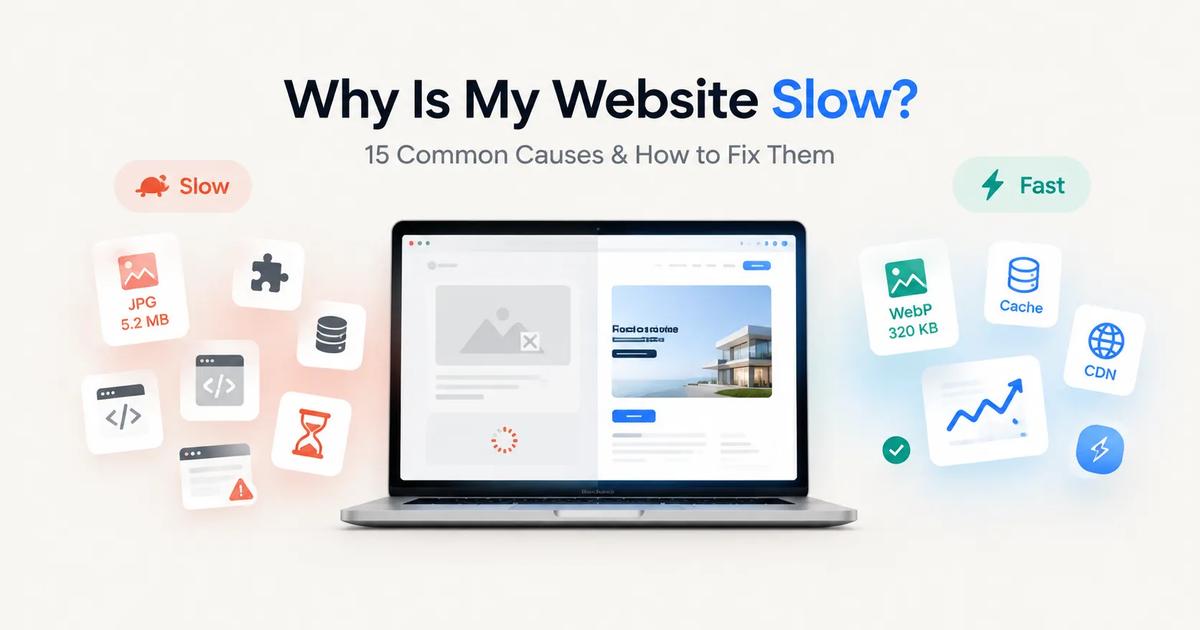
A slow website costs you more than just a few seconds. It can reduce search rankings, increase bounce rates, lower conversions, and frustrate visitors before they even see your content.
The good news? Most website speed problems are fixable. You don't always need a new server or a complete redesign. Often, a few targeted improvements can make a dramatic difference.
In this guide, we'll cover the 15 most common reasons websites become slow and what you can do to fix each one.
1. Images Are Too Large
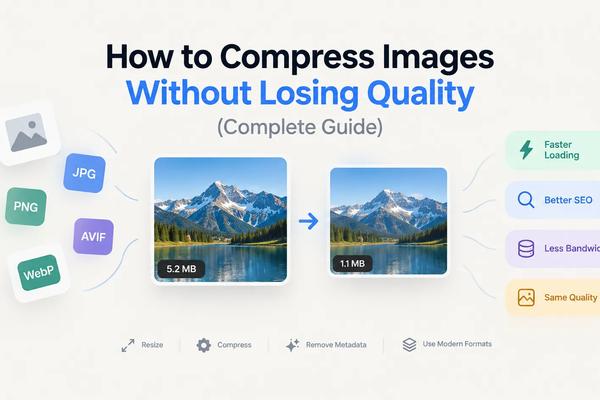
Oversized images are one of the biggest causes of slow websites. Uploading a 5 MB photo when a 200 KB version would look identical wastes bandwidth and slows every page load.
How to fix it
- Resize images before uploading.
- Compress images without noticeable quality loss.
- Use modern formats like WebP or AVIF.
- Serve different image sizes for desktop and mobile.
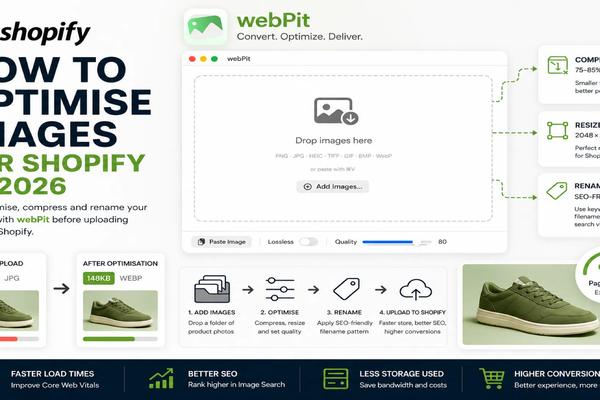
Tip: If you have hundreds of images, batch-converting them to WebP can reduce page size significantly while maintaining image quality. You can us tools like WebPit for converting images to webP
2. Too Many HTTP Requests
Every image, CSS file, JavaScript file, font, and icon requires a separate request. The more requests your page makes, the longer it takes to load.
How to fix it
- Remove unnecessary plugins and assets.
- Combine CSS and JavaScript files where appropriate.
- Use SVG icons instead of large icon libraries.
- Eliminate unused fonts.
3. Slow Web Hosting
Even a perfectly optimized website will feel slow if it's hosted on an overloaded server.
Common signs include:
- Slow response before the page starts loading
- Frequent downtime
- Slow performance during peak hours
How to fix it
- Upgrade to better hosting.
- Consider managed hosting if you're using WordPress.
- Move to a VPS or cloud server if traffic has grown.
4. No Browser Caching
Without caching, returning visitors must download every file again each time they visit.
How to fix it
Enable browser caching for:
- Images
- CSS
- JavaScript
- Fonts
This allows visitors to reuse files already stored on their device.
5. Render-Blocking CSS and JavaScript
If the browser has to download large CSS or JavaScript files before displaying anything, visitors stare at a blank page.
How to fix it
- Minify CSS and JavaScript.
- Defer non-critical JavaScript.
- Inline critical CSS.
- Remove unused code.
6. Too Many WordPress Plugins
Plugins are useful, but every plugin adds code.
Some plugins load scripts on every page even when they're not needed.
How to fix it
- Remove plugins you don't actively use.
- Replace multiple plugins with one lightweight alternative.
- Choose plugins that are actively maintained.
Remember: quality matters more than quantity.
7. Unoptimized Database
Over time, databases collect revisions, spam comments, expired data, and temporary files.
This can slow down dynamic websites.
How to fix it
Regularly clean:
- Post revisions
- Spam comments
- Expired transients
- Old plugin data
Optimize database tables periodically.
8. Too Many Third-Party Scripts
Analytics, live chat, ad networks, social widgets, and tracking pixels all add extra work.
Each external script introduces another dependency.
How to fix it
Ask yourself:
- Do I really need this script?
- Can I replace it with something lighter?
- Can it load after the page becomes interactive?
9. No Content Delivery Network (CDN)
If your server is located in one country but visitors come from around the world, distance increases loading time.
How to fix it
Use a CDN to serve static files from locations closer to visitors.
Popular CDN providers include:
- Cloudflare (excellent free plan and easy setup)
- Bunny.net (fast, affordable, and developer-friendly)
- Amazon CloudFront (ideal if you're already using AWS)
- Fastly (popular with large, high-traffic websites)
- Akamai (enterprise-grade global CDN)
These services cache and deliver assets such as:
- Images
- CSS
- JavaScript
- Fonts
For most small businesses, blogs, and portfolio websites, Cloudflare's free CDN is more than enough and can significantly improve load times while also adding security features like DDoS protection and SSL.
10. Videos Hosted on Your Own Server
Uploading videos directly to your hosting account consumes bandwidth and slows pages dramatically.
How to fix it
Host videos on platforms like:
- YouTube
- Vimeo
Then embed them instead of serving the files yourself.
11. Unused CSS and JavaScript
Many themes include thousands of lines of code that your pages never actually use.
Visitors still have to download it.
How to fix it
Remove:
- Unused CSS
- Unused JavaScript
- Unused fonts
- Legacy frameworks
Smaller files mean faster pages.
12. Large Web Fonts
Beautiful typography comes at a cost.
Loading several font families with multiple weights can add hundreds of kilobytes.
How to fix it
- Limit font families.
- Use fewer font weights.
- Prefer system fonts when possible.
- Preload important fonts.
13. Too Many Redirects
Every redirect adds another request before visitors reach the final page.
Multiple redirects create unnecessary delays.
How to fix it
- Update internal links.
- Remove redirect chains.
- Link directly to the final destination.
14. Heavy Animations and Effects
Large sliders, autoplay videos, animations, and complex visual effects may look impressive but often hurt performance.
How to fix it
Focus on usability over visual gimmicks.
Simple pages usually feel faster and are easier to navigate.
15. You Haven't Measured Performance
Many website owners guess what's slowing their site down instead of measuring it.
Without data, optimization becomes trial and error.
How to fix it
Use tools such as:
- Google PageSpeed Insights
- Lighthouse
- GTmetrix
- WebPageTest
Pay attention to metrics like:
- Largest Contentful Paint (LCP)
- Interaction to Next Paint (INP)
- Cumulative Layout Shift (CLS)
These Core Web Vitals provide a clear picture of your site's real-world performance.
Bonus Tips for a Faster Website
Once you've fixed the major issues, these small improvements can provide additional gains:
- Enable Gzip or Brotli compression.
- Keep your CMS and plugins updated.
- Use lazy loading for below-the-fold images.
- Remove unnecessary page builders if possible.
- Regularly audit your website for unused assets.
Small improvements add up over time.
Frequently Asked Questions
What is a good website loading speed?
Aim for under 2 seconds. Anything under 3 seconds is generally acceptable, while longer load times can negatively impact user experience and conversions.
Do images really affect website speed that much?
Yes. Images are often the largest files on a webpage. Optimizing them can dramatically reduce page size and loading time.
Will faster hosting fix every speed problem?
No. Better hosting helps, but oversized images, poor code, excessive plugins, and unnecessary scripts can still slow your site.
Is WebP better than JPEG?
For most web images, yes. WebP typically delivers similar visual quality at a much smaller file size, making it an excellent choice for improving website performance. Read more here
Final Thoughts
A slow website is rarely caused by a single issue. More often, it's the result of several small inefficiencies that build up over time.
Start by measuring your site's performance, then tackle the biggest problems first. Optimizing images, reducing unnecessary code, enabling caching, and choosing reliable hosting can dramatically improve loading speed without rebuilding your entire website.
Even a one-second improvement can lead to happier visitors, better search visibility, and higher conversion rates.
Get WebPit for Mac — unlimited power, one‑time purchase
Batch processing · Watch folders · Menu bar agent · Clipboard conversion · Native speed